
22 October 2026
How to Make a Kinusaiga Keepsake From a Family or Friendship Photo
By OpenClip
Choose a clear photo with two or three distinct figures, readable faces and a meaningful shared pose for a personal custom Kinusaiga keepsake.
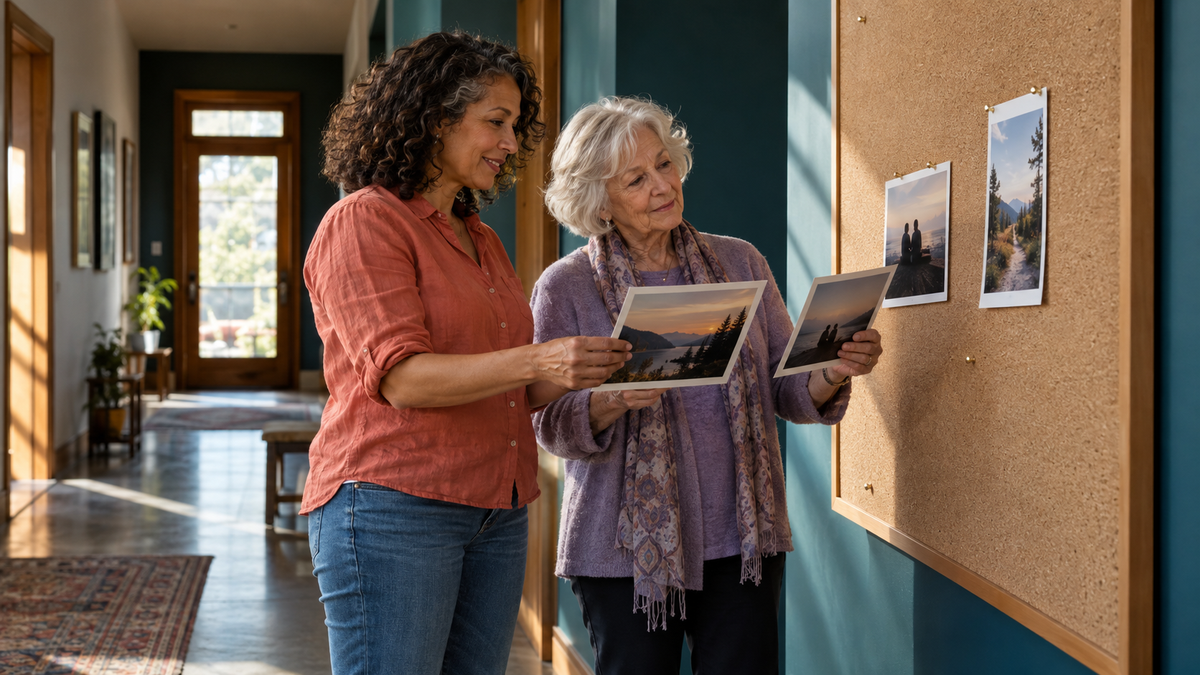
A family or friendship photo can become a strong Kinusaiga keepsake when the people remain easy to distinguish after the image is simplified into larger shapes. Choose a picture with two or three clear figures, visible faces and an uncluttered outline. The most meaningful photo is not always the most formal one; familiar posture and shared expression often matter more.
Choose a moment with a clear relationship
Start by deciding what the keepsake should recall. It might be a long friendship, a reunion, a partnership or a quiet everyday moment. The strongest source image usually shows a relationship through the way people stand, look or lean towards one another.
A posed photograph can work beautifully, but it does not need to be perfect. Look for the version where each person feels recognisable. A hand on a shoulder or a familiar profile may carry more meaning than a flawless background.
Keep the group small enough to read
Kinusaiga translates a photograph into defined sections and colour areas. As the number of people increases, faces and clothing receive less visual space. For a compact project, two people—or a clearly spaced group of three—usually gives each figure more room.
If you love a larger group photo, consider cropping to the people central to the story. Do not remove someone whose inclusion is important simply for neatness; choose another photo or plan a larger format instead.
Look for separation between faces and clothing
Check that heads do not overlap heavily and that each figure has a readable outline. Similar dark clothing against a dark background can merge into one shape. A pale sky, simple wall or open landscape often separates figures more clearly than a crowded room.
Small overlaps are natural. The goal is not to make everyone stand apart, but to preserve enough visual boundaries that the group remains understandable when fine detail is reduced.
Give faces enough light
Even lighting helps the eyes, hairline and direction of each face remain visible. Avoid photographs where one person is in deep shadow while another is brightly lit, or where a strong filter changes skin and clothing colours.
Use the original JPG or PNG rather than a screenshot where possible. The current upload accepts files up to 8 MB. If you are photographing an old print, place it flat in indirect daylight, keep the camera parallel to the page and avoid glare.
Decide which details carry the memory
A custom pattern is an interpretation rather than a photographic reproduction. Make a short list of the details that should remain:
- a distinctive hairstyle or glasses;
- the colour of a favourite jacket or dress;
- a linked arm or characteristic pose;
- one background feature that locates the memory;
- a meaningful contrast between the figures.
Leave out details that compete without adding meaning, such as distant strangers, signs, table clutter or tiny accessories. Put your priorities in the design notes rather than expecting every visible object to carry through.
Plan a palette that keeps people distinct
Begin with broad families: hair, skin, clothing and background. If two people wear similar colours, vary the light–dark value or texture so their shapes remain separate. A patterned fabric can preserve the feeling of a favourite garment, but a very large motif may overwhelm a small section.
Choose a quieter background palette when clothing already provides colour. If the original location is important, keep one or two characteristic hues—a coastal blue, garden green or warm brick—rather than trying to reproduce every colour in the scene.
Prepare the order carefully
- Select the clearest original JPG or PNG, up to 8 MB.
- Confirm that you have permission to share the photograph.
- Choose the print size or service option shown on the order page.
- Write brief design notes naming the people and essential details.
- Check the delivery timing before planning a gift date.
Choose the custom format that suits your project
OpenClip currently offers a custom digital PDF for A$9.99 per design. It includes a numbered pattern, colour layout, suggested fabric palette and one free revision; the made-to-order PDF is emailed within 1–3 business days and contains no physical items. The same page also offers a A$69.99 complete DIY kit prepared around your photo and requests, with materials, tools and a premium-quality display frame. The kit takes 7–10 business days to prepare, and you make the artwork yourself.
Think about how it will be displayed or given
A close crop feels intimate on a shelf or small wall. A wider scene carries more of the place and occasion. If the piece is a gift, keep the recipient’s home and preferences in mind without trying to match every room colour exactly.
Add a private note outside the artwork explaining where the photograph was taken or why you chose it. The pattern does not need text for the finished piece to hold a story.
Compare two photos before deciding
If you are uncertain, reduce two candidates to thumbnail size. Which one still shows who is present and how they relate? That simple comparison often reveals whether a beautiful setting is distracting from the people.
For broader photo criteria, read how to choose a photo for a custom Kinusaiga pattern. To understand the craft style and see current ready-made options, browse the Kinusaiga collection.
Questions about family and friendship Kinusaiga
Can I use an old printed photograph?
Yes. Photograph or scan it clearly, avoid glare and submit a JPG or PNG. Make sure you have permission to share the image.
How many people should be in the photo?
Two or three clear figures are easier to distinguish in a compact design. Larger groups may need a different crop or format.
Is the A$9.99 option a physical kit?
No. It is a printable digital PDF sent by email. The current order page separately offers a A$69.99 complete custom DIY kit with materials, tools and a frame.
Will OpenClip contact me if the photo is unsuitable?
Yes. The service states that OpenClip will contact you if a different photo is needed, and the PDF option includes one free revision.